A presentation tool for the room, and for when you can't be there. Laser, live ink and presenter view, plus a recorder that turns your pitch into a video.

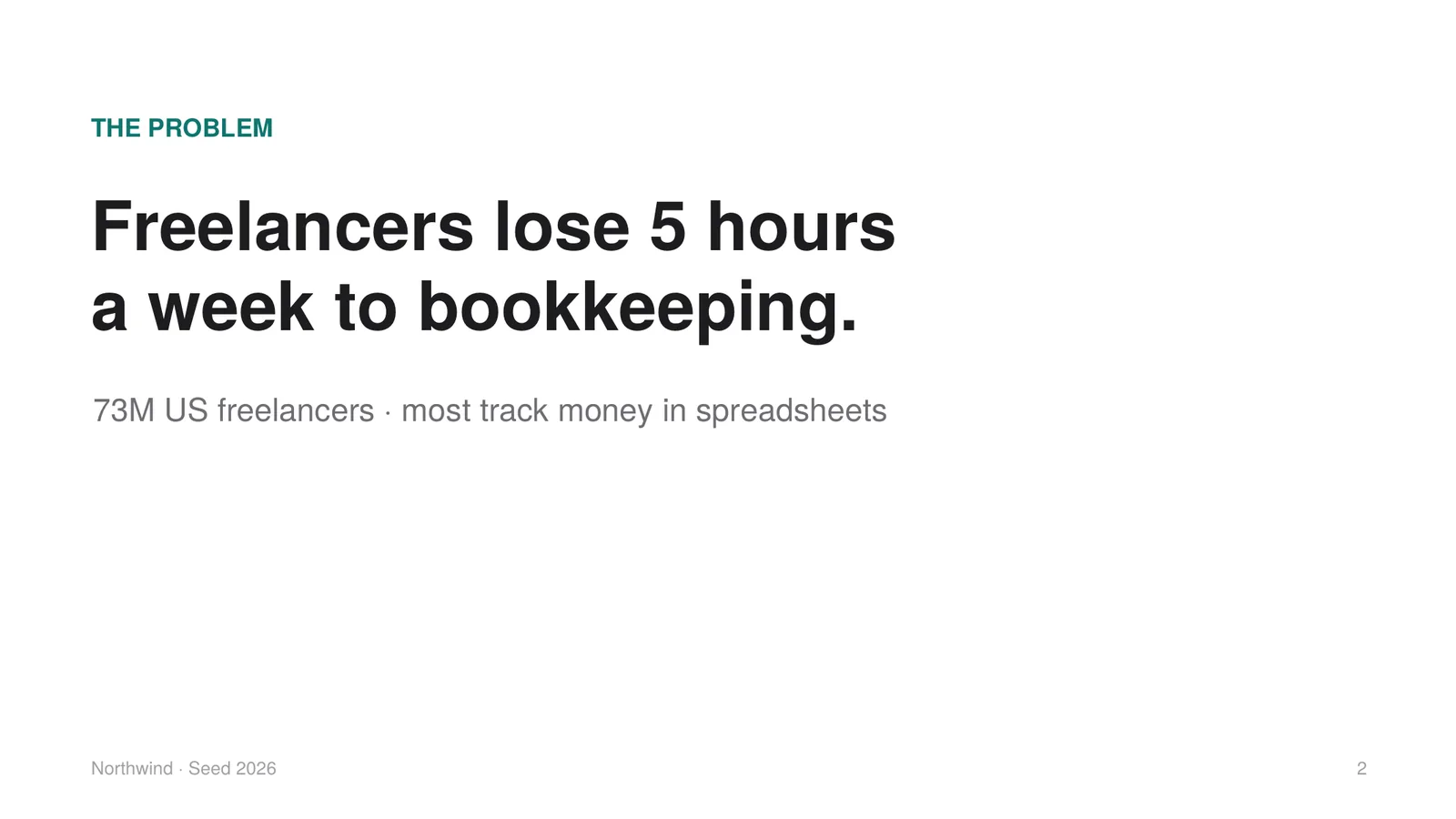
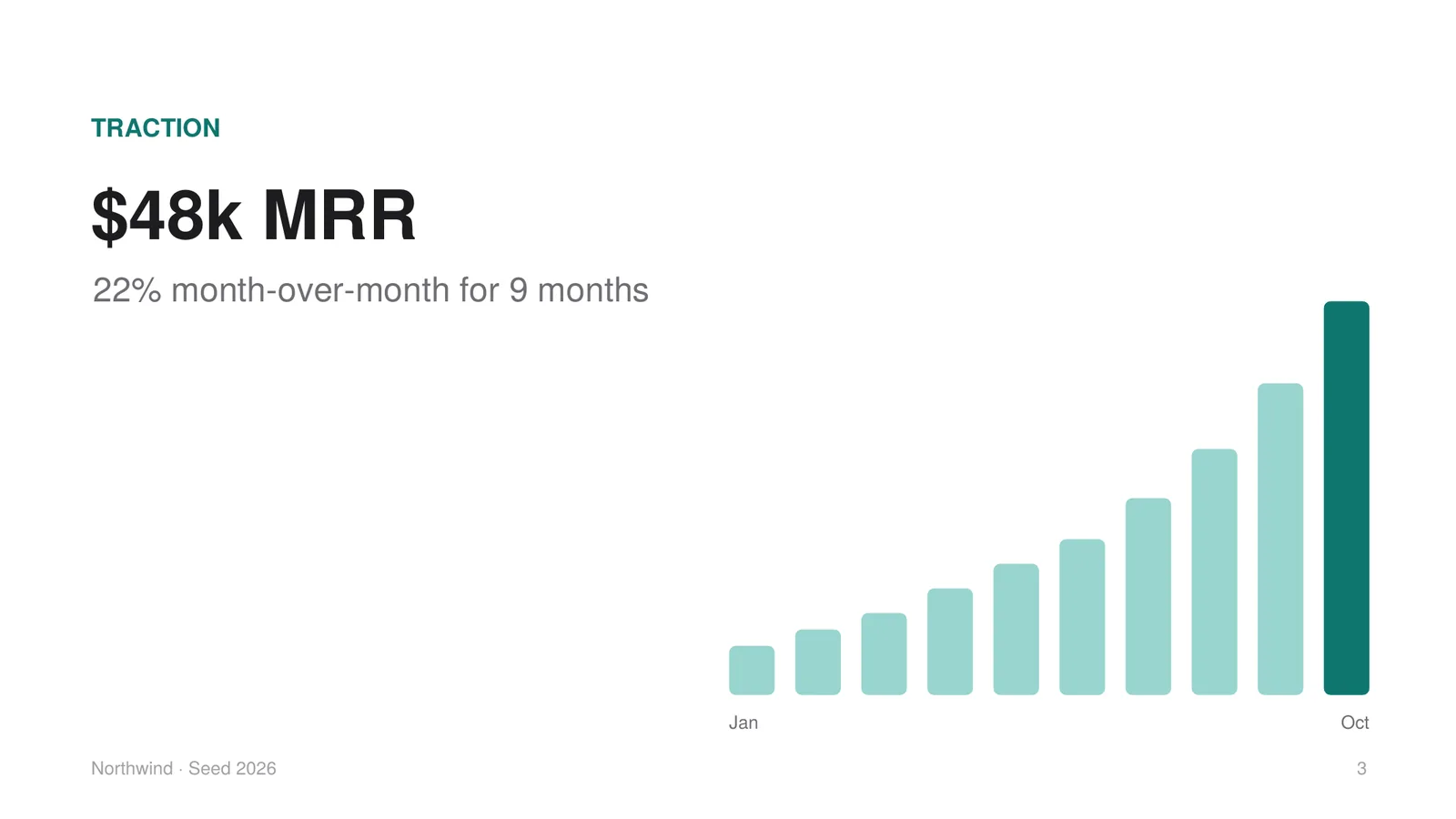
A live preview. Hover to point the laser, pick the pen to draw, or click a tab.A live preview. Tap a tab or the arrows.
Drop in your deck as a PDF. Everything else is a keystroke away.
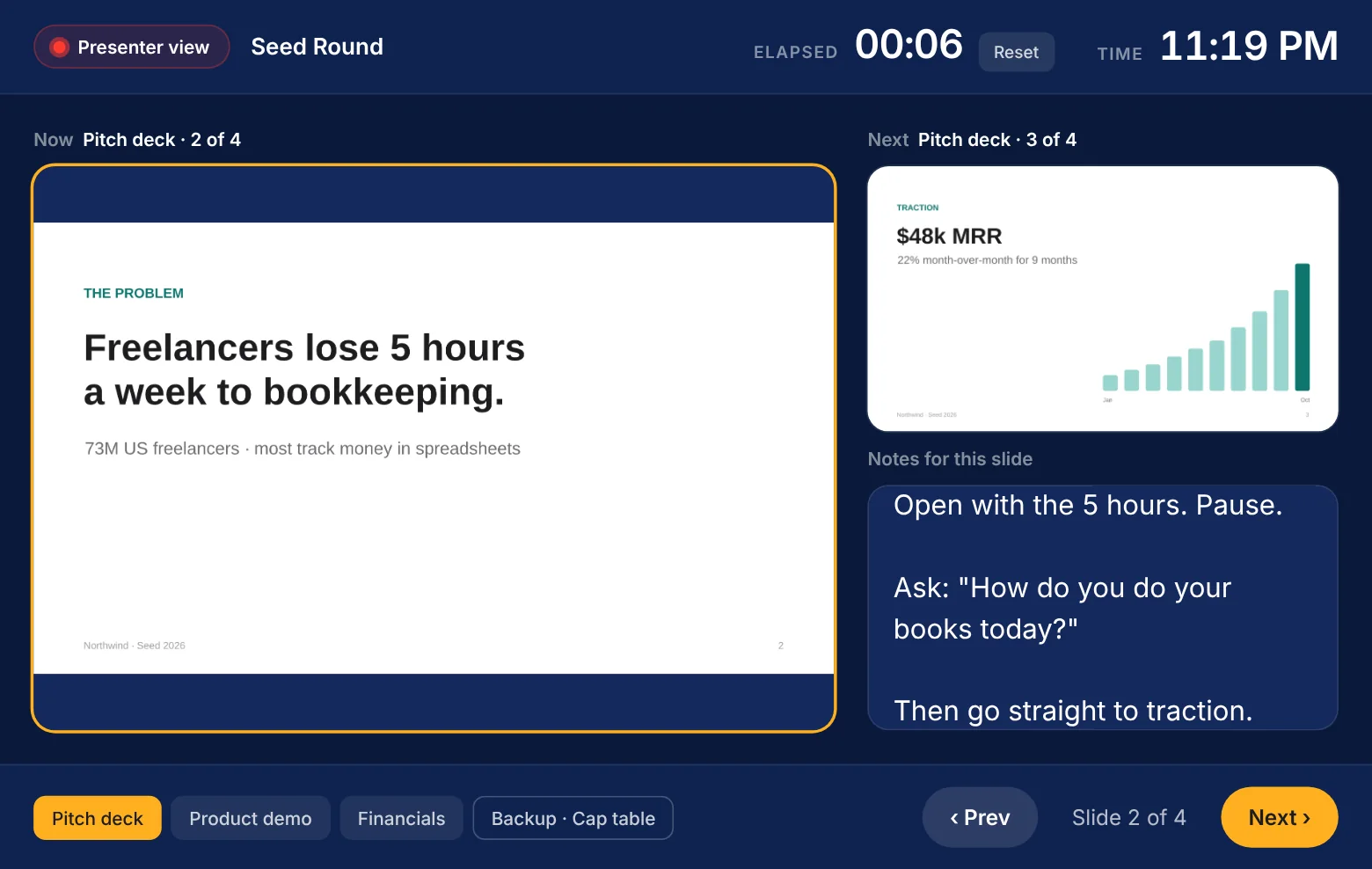
Your notes, the next slide and a timer on your laptop. The audience sees only the slide.
Circle a number or underline a point. Marks fade on their own, so slides never get cluttered.
Point with a glowing laser, or dim everything except the one figure that matters.
Keep answers to tough questions ready but hidden. Pull them up only if someone asks.
Present once and your voice is saved slide by slide. Redo any slide, then export a video to send.
No account, no upload. Your deck stays in your browser, and it works offline once it's loaded.
Open presenter view on your laptop and put the main window on the projector or share it on your call.

Present once the way you would live. Dolping records your voice slide by slide, then turns it into a video you can send to anyone.
The same tools that help founders pitch work just as well for a lesson, a workshop or a client session.
Record a lesson slide by slide, redo the bits you stumble on, and export a video with you in the corner.
Walk a client through a framework on a call, circle what matters, and send the recording afterwards.
Share the tab on Zoom or Meet, keep your notes in presenter view, and stay on screen with the camera bubble.
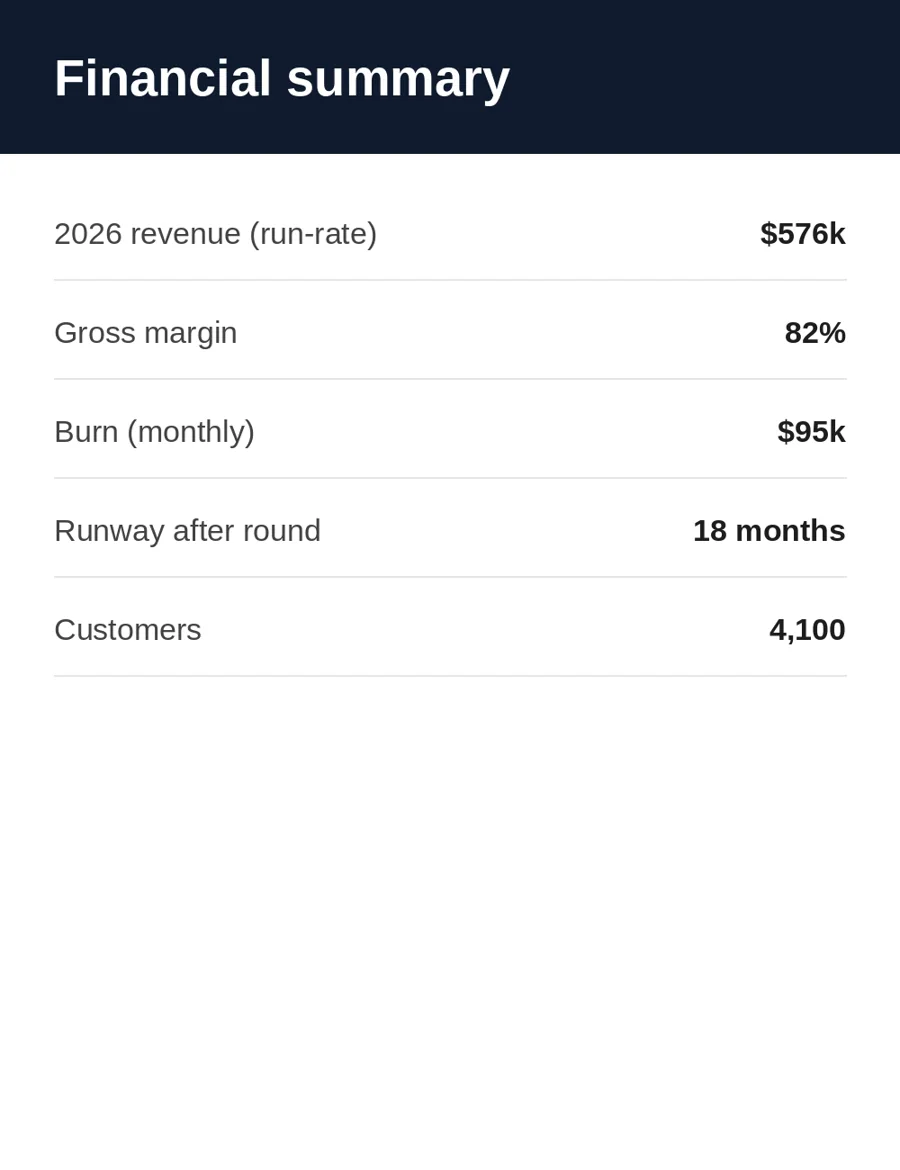
Export from PowerPoint, Keynote or Google Slides as a PDF and drop it in. Add a demo video or a one-pager if you like.
Add your logo, pick your brand color and give the deck a title. "Prepared for" shows who it's for.
Hit Present. It goes full screen, and the controls fade away until you need them.
Yes. The presentation tool is free to use, with no account and no trial, and that includes recording your pitch and exporting it as a video. Share links with tracking will be a paid add-on when they launch.
Press Record pitch, allow your microphone, and present as usual. Each slide is saved as its own clip, so you can redo one without starting over. Export it as a video when you are happy with it. When you export, pick a shape: widescreen for YouTube and email, portrait or square for LinkedIn and X, or vertical for Reels, Shorts and TikTok. With the camera on, you appear in a small bubble so your content stays the focus. Videos you upload play in the export, and their sound is lowered while you talk, which makes it easy to do commentary. It works on phones too. The recording stays in your browser. For the most compatible MP4, export from Chrome, Edge or Safari; Firefox saves a WebM video.
In your own browser, on your own device. Nothing is uploaded to us. That also means your decks don't sync between computers yet, and clearing your browser data removes them, so keep your original PDFs.
Yes. After your first visit the app keeps working without internet, which helps at events with bad Wi-Fi. Linked YouTube, Vimeo or Loom videos still need a connection.
PDF slide decks, images, video files or YouTube, Vimeo and Loom links, and self-contained HTML pages such as a calculator. Export PowerPoint, Keynote or Google Slides as PDF first.
Yes. Share the Dolping tab on your call and press M to turn on the camera bubble, so people see you right on your slides. Drag it anywhere and change its size. Keep presenter view on your own screen for your notes.
Recent versions of Chrome, Edge, Safari and Firefox on a laptop or desktop. For presenter view, allow pop-ups for this site.
Free, private, and ready in a minute.